
On this page
On this page
Jump to a section
The best free IPTV apps right now are TiviMate for Android TV and Firestick, IPTVX and Smarters Player Lite for iPhone, iPad and Apple TV, and Kodi or VLC for a Windows PC or Mac, each paired with the login from your IPTV Canada provider. Every one of them is a free player, not a source of channels: the channels come from your IPTV Subscription. Below you will find the best app for each device, an official download link for every player, what “free” really covers in each one, and the warning signs of a “free IPTV” app that is not what it claims.
1. What a Free IPTV App Is (and What It Is Not)
A free IPTV app is a player you install at no cost that reads a login from your provider and turns it into a channel list, a TV guide and an on demand library. It ships empty: open TiviMate without a login and all you see is a screen asking for one.
The phrase “free IPTV” is used to sell two very different things, and mixing them up is how people end up with malware on a Firestick:
- Free IPTV players (every app in this article) are legitimate software from known developers, given away or sold through Google Play, the App Store, the Amazon Appstore or the developer’s own website.
- “Free IPTV channels”, “free codes” and “free M3U lists” are playlists of streams nobody is paying for. They stop working within days, often come bundled with apps that carry malware, and carry the copyright problems covered in section 10.
To use any player below you need a login: Xtream Codes (a server URL, username and password) or an M3U URL (one long playlist link, sometimes with a separate EPG link for the guide). Our post on where to get an IPTV URL explains every part of it.
2. Best Free IPTV App for Each Device
| Device | Best free IPTV app | Where to get it | Setup guide |
|---|---|---|---|
| Android TV, Google TV, Sony Bravia | TiviMate | Google Play | Android TV guide |
| Fire TV Stick 4K Plus, 4K Max, Lite, Fire TV Cube | TiviMate | Downloader, code 272483 | Firestick guide |
| Vega OS Fire TV sticks | An Amazon Appstore player | Amazon Appstore only | Firestick guide |
| iPhone, iPad, Apple TV | IPTVX or Smarters Player Lite | App Store | Apple guide |
| Windows PC | Kodi, with VLC for tests | kodi.tv, videolan.org or the Microsoft Store | Windows guide |
| Mac | IPTVX (M1 or newer), Kodi or VLC | App Store or developer websites | Mac guide |
| Samsung Smart TV | A player from Samsung Apps | Samsung Apps | Samsung guide |
| LG Smart TV | IPTV Smarters Pro | LG’s Apps store | LG guide |
| Roku | IPTVplayerio | Roku Channel Store | Roku guide |
| PS5, PS4, Xbox | A stick on a spare HDMI port | Store of the stick | PlayStation and Xbox guide |
Two rows surprise people. Amazon’s newest sticks run Vega OS, which cannot sideload, so TiviMate will not install on them; AFTVnews keeps the list of affected models. And most Samsung, LG and Roku players are free to try, then ask for a one time activation fee, so “free” on a smart TV often means “free for a week”.
3. How We Picked These Free IPTV Players
We judged each player on four things: whether the free version works for daily viewing rather than as a short demo, whether it accepts Xtream Codes or M3U, whether it shows a TV guide without extra work, and whether it comes from an official store or a known developer. Apps that only exist as an APK on a file sharing site were left out.
| App | Platforms | What is free | Paid upgrade | Guide |
|---|---|---|---|---|
| TiviMate | Android TV, Google TV, Fire TV | One playlist, full grid guide | Premium, bought in the TiviMate Companion app | Best grid guide available |
| IPTV Smarters Pro | LG and some Samsung TVs, existing installs elsewhere | Full player | Varies by platform | Yes |
| IPTVX | Apple TV, iPhone, iPad, Mac (M1 or newer) | Download and setup | In app purchases from $4.99 | Yes |
| Smarters Player Lite | Apple TV, iPhone, iPad, Mac (M1 or newer) | Full player | $2.99 premium unlock | Yes |
| Kodi with PVR IPTV Simple Client | Windows, macOS, Linux, Android | Everything | None | Yes |
| VLC | Windows, macOS, Linux, Android, iOS | Everything | None | No |
| XCIPTV | Android phones and TVs | Full player | None | Yes |
| Televizo | Android phones and tablets | Player with ads | Optional upgrade | Yes |
Prices are from the Canadian App Store listings at the time of writing, and they change, so check the listing before you pay for anything.
4. TiviMate: Best Free IPTV App for Android TV and Firestick
TiviMate is the best free IPTV app for a Google TV device, a Sony Bravia, a Chromecast with Google TV or a Fire OS Firestick, because its guide looks and works like a cable box guide. On Android TV it installs straight from TiviMate on Google Play. On a Firestick it comes from its official download through the free Downloader app with the code 272483, which our Firestick IPTV guide walks through screen by screen.
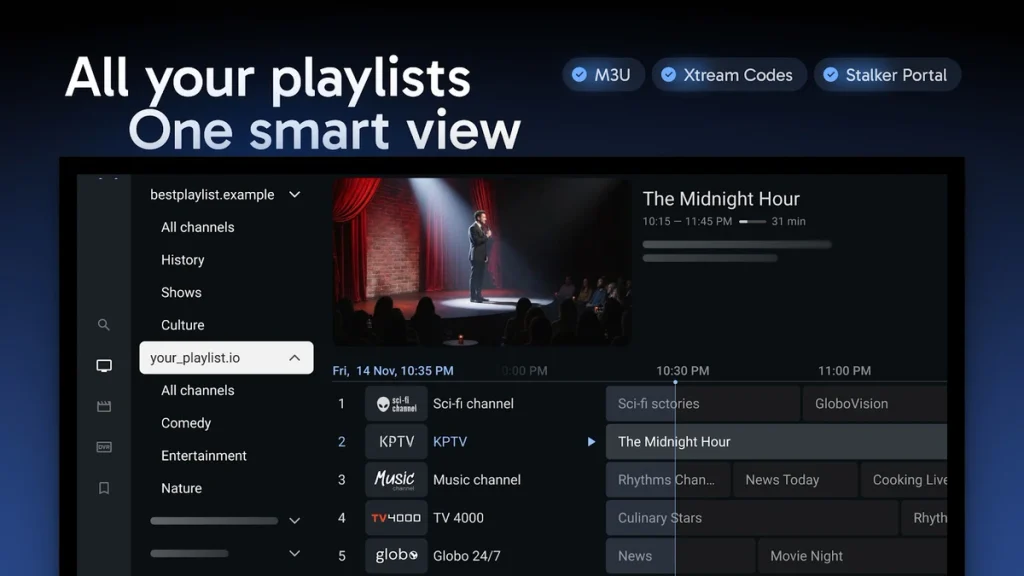
The free version gives you one playlist with Xtream Codes or M3U, a full grid guide that loads automatically with Xtream Codes, channel groups you can hide and reorder, and catch-up where your provider supports it. TiviMate Premium adds recording, several playlists and a few interface extras; it is bought through the TiviMate Companion app on an Android phone, and the app shows the current price. TiviMate is a TV app, so it does not appear in the Play Store on a phone. The developer’s site is tivimate.com.
5. IPTV Smarters Pro: Widely Used, but Check the Source
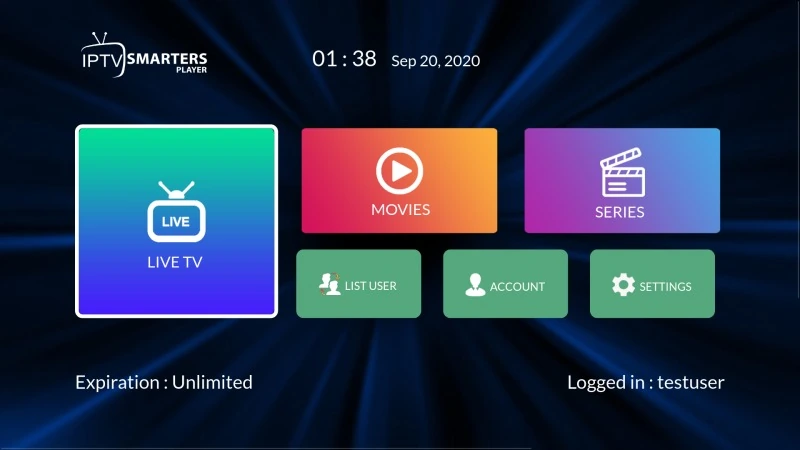
IPTV Smarters Pro is the most widely used IPTV player and uses the same Live TV, Movies and Series layout everywhere. Its developer’s website, where the Firestick, Android and Windows versions were downloaded, has been offline, so we no longer recommend installing it on those devices; use TiviMate or Kodi instead.
The versions still available from official stores are fine to use: IPTVSmartersPro by WHMCS Smarters in LG’s Apps store (see our LG guide) and Smarters Player Lite in the App Store (section 6). If Smarters is already installed on your stick or phone, it keeps working with your login, and IPTV Support can help you move that login to another player. Never install a “premium” or “pro unlocked” Smarters file from a lookalike site: those modified copies are the main way malware reaches Fire TV Sticks.
6. IPTVX and Smarters Player Lite: Best Free IPTV Apps for iPhone, iPad and Apple TV
The two free IPTV apps worth starting with on Apple devices are IPTVX and Smarters Player Lite, both from the App Store. Apple reviews every App Store app, which makes iPhone, iPad and Apple TV the safest place to run any IPTV player.
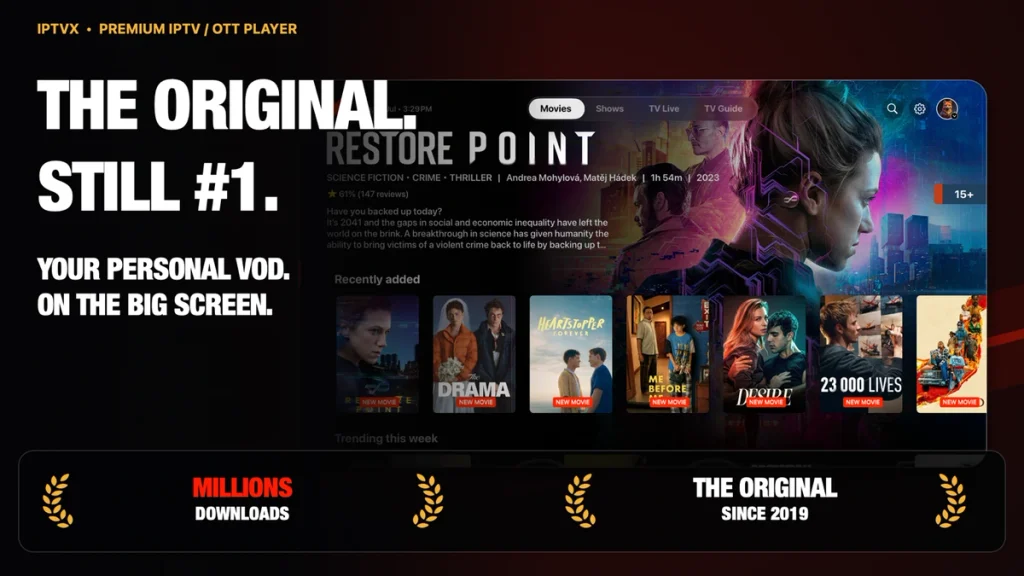
IPTVX on the App Store runs on iPhone, iPad, Apple TV and Macs with an M1 chip or newer, under one Apple ID. It accepts Xtream Codes and M3U and syncs playlists through iCloud, so a login entered on your iPhone shows up on the Apple TV. It is free to download and set up, with in app purchases from $4.99 for full use, so think of it as free to try rather than free forever.
Smarters Player Lite on the App Store is the App Store version of IPTV Smarters, from the same developer. It is free with a $2.99 premium unlock, and it runs on older Apple TVs that IPTVX does not support.
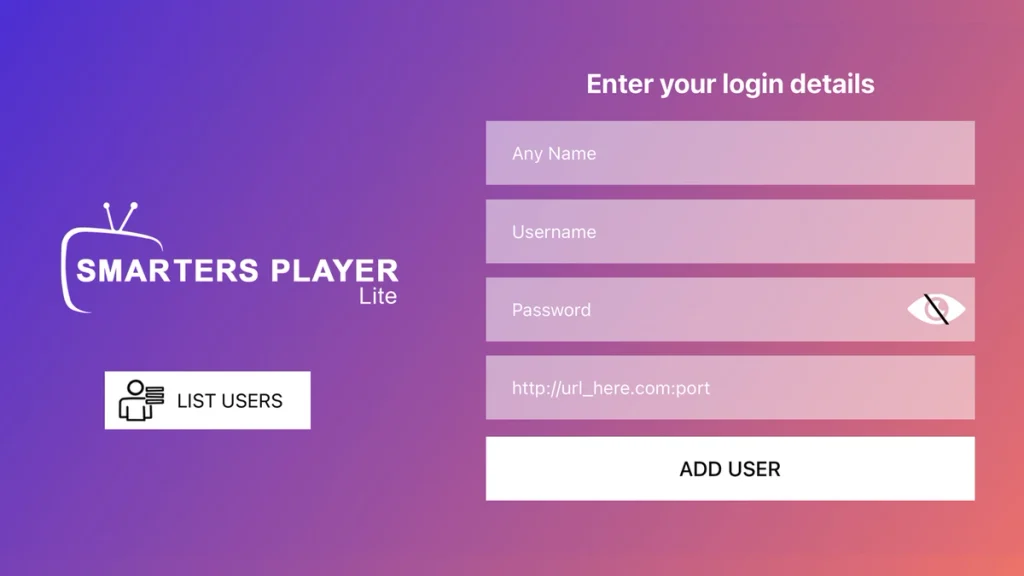
Both are covered step by step in our Apple TV, iPhone and iPad guide.
7. Kodi and VLC: Best Free IPTV Players for PC and Mac
Kodi and VLC are the only players in this list with no paid tier at all. Both are long running open source projects for Windows, macOS and Linux, which makes them the natural free IPTV players for a computer.
VLC media player, from the non profit VideoLAN, opens an M3U URL in seconds: press Ctrl + N on Windows or Command + N on a Mac, paste your link, and the channels play. It has no guide, so it works best as a test tool: if a channel plays in VLC and not in your main app, the problem is the app, not your account.
Kodi turns an M3U link and an XMLTV guide link into a full TV interface with a grid guide, channel groups and favourites, using the official PVR IPTV Simple Client add-on. Kodi’s reputation has been hurt by unofficial add-ons that pull unlicensed streams; keep it to the official repository and it is an excellent free player.
Our Windows IPTV guide and Mac IPTV guide cover both players.
8. XCIPTV and Televizo: Free Backup Players for Android
XCIPTV and Televizo are free Android players that make good backups, either because you prefer a different layout or because you want a second app ready for the day your main one breaks after an update.
- XCIPTV Player on Google Play is completely free, supports Xtream Codes and M3U, and uses a simple tile layout that some people find easier than a grid guide.
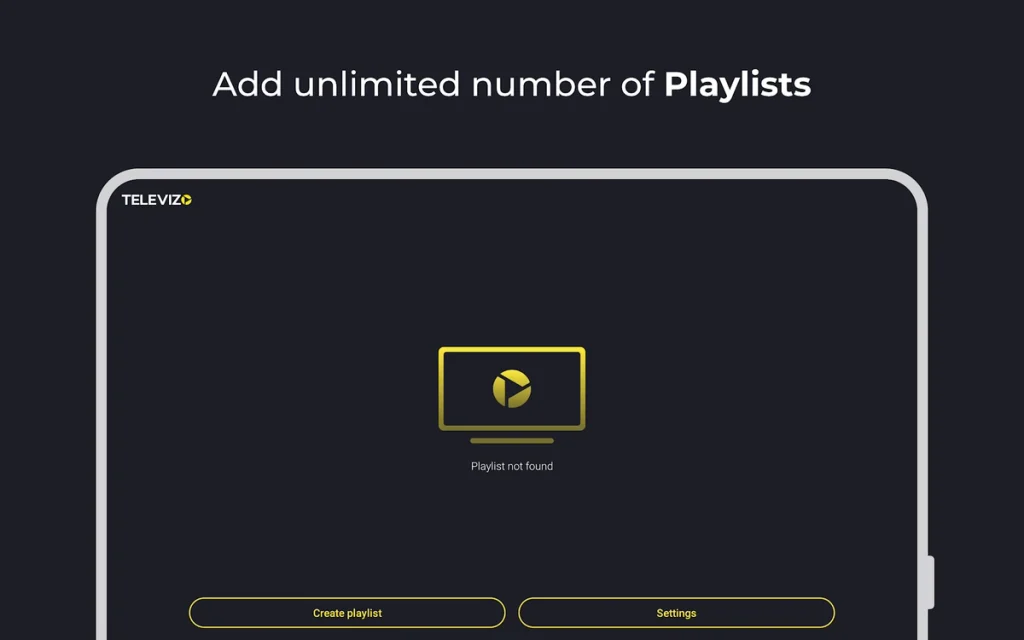
- Televizo on Google Play has a lighter interface that suits phones and tablets. The free version shows ads, with an optional upgrade to remove them.
Neither beats TiviMate on a TV for most viewers, but both are legitimate and updated, and keeping one installed tells you in a minute whether a problem is the app or your account.
9. Free IPTV Apps to Avoid: 5 Warning Signs
A player that comes with channels already inside is not a player; it is an unlicensed service wrapped in an app. These five signs give it away:
- Channels appear without a login. A real player always asks for your Xtream Codes or M3U details first.
- The download is an APK on a file sharing site, a chat channel or a video description instead of Google Play, the App Store, the Amazon Appstore or the developer’s own website.
- “Premium unlocked”, “modded” or “pro free” is in the name. These files are the main malware route on Fire TV and Android boxes.
- Someone sells a “code” for Roku or PlayStation. Roku players come only from Roku’s Channel Store, and PlayStation has none, so the code does nothing.
- An “activation” is paid through a chat message rather than on the developer’s website.
On Android TV and Google TV, keep Google Play Protect switched on: it scans installed apps, including sideloaded ones. Our IPTV Guide names the safe download source for every device.
10. Is It Legal to Use Free IPTV Apps in Canada?
Yes. Free IPTV player apps are legal to install and use in Canada, and every app in this article is legal. What the law cares about is the content that flows through them: a free list of channels nobody licensed is the problem, not the player. Our post on whether IPTV is legal explains where the line sits and what an internet provider’s copyright notice means.
Frequently Asked Questions
Do I need a different app for each device?
Usually, because each platform has its own store. Your login works in all of them, so you can use TiviMate on the TV and IPTVX on your iPhone with the same details.
Can I move my playlist from one app to another?
Yes. Your playlist lives on your provider’s server, not in the app, so you add the same Xtream Codes or M3U details to the new app and remove them from the old one.
Why does my free app ask me to pay after a week?
Many smart TV and Roku players are free to try, then charge a one time activation fee to their developer. That fee is separate from your IPTV plan.
Do free IPTV apps show ads?
Most players in this list do not. Televizo’s free version shows ads, and the upgrade removes them.
Can a free IPTV app record shows?
TiviMate Premium can. Kodi’s IPTV Simple Client and VLC do not record, and on smart TVs it depends on the app.
What happened to the IPTV Smarters website?
The developer’s website has been offline, so its Firestick, Android and Windows downloads are not available from an official source. The App Store and LG store versions are unaffected.
Which free app is best for watching on a phone?
IPTVX or Smarters Player Lite on an iPhone; Televizo or XCIPTV on an Android phone, since TiviMate is for TVs only.
Conclusion
The best free IPTV apps are players, not channel sources: TiviMate on Android TV and Firestick, IPTVX or Smarters Player Lite on Apple devices, and Kodi or VLC on a computer, each downloaded from the official link in this article. Install two players on the same device and watch an evening on each with the same login, because within a day you will know which layout suits your household, and the second one stays as your backup. If you have not chosen a service yet, an IPTV free trial gives you a login to test both.